

Finding the right app for working out took me a really long time. I tried dozens of them, so which are the best fitness apps in my experience?
How I Got Into Working Out With Apps
I’ve loved being active since I was 16, and I used to spend every day at the gym. I went to pretty much every class you can think of. Yep, that’s right — I danced Zumba, Latin Dance, and Step Aerobic, sweated through spinning and kickboxing, and tried every Les Mills class available. Body Pump was my absolute favourite, along with Power Yoga. But then I started travelling.
I Started Working Out at Home in Canada
In Canada, gym classes were too expensive and, more importantly, way too far from where I lived, so I started flirting with home workouts — and fell in love with them. I began exercising at home and only went to classes for my beloved aerial yoga once or twice a week. I even kept working out during our road trip across the USA, doing jumping jacks at campsites, on beaches, and in forests.
Not every day, of course, since we spent most of our time climbing in the mountains. But on days when we’d been driving all day, I’d work out in the evening under the midnight sun in Alaska. When we got back home, I realised that going to the gym was eating up about three hours of my day (by the time you get there, change, work out for an hour, shower…)! So I went back to just attending aerial yoga and doing everything else at home.
Benefits of Working Out With Apps
- You save time
- You save money on classes and gym memberships
- You can work out whenever you want (though I wouldn’t recommend exercising late at night — it messes with your sleep!)
Drawbacks of Working Out With Apps
- You miss out on social interaction (that’s why I still go to a yoga class once a week when I can)
- It’s a bit easier to slack off
1) The Jillian Michaels Fitness App
This was the first app that really clicked for me, and I used it for a year and a half. I already knew Jillian Michaels from before and knew that her programmes genuinely deliver results.
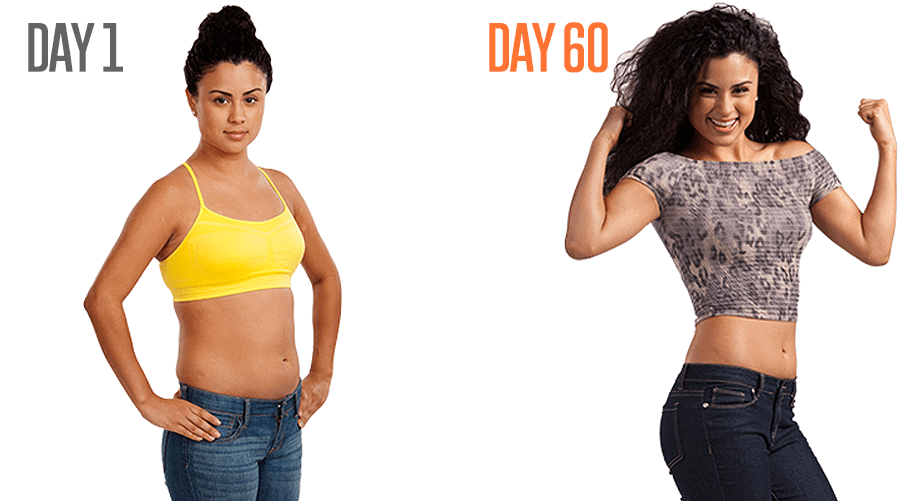
One great thing about this app is that you can set what equipment you have. If all you’ve got is a mat, that’s perfectly fine. There are 11 programmes in total, and they vary in length — some run for 6 weeks, others up to 12 weeks. You don’t work out every day, but 3 to 6 times a week depending on the programme.
What Programmes Does It Offer?
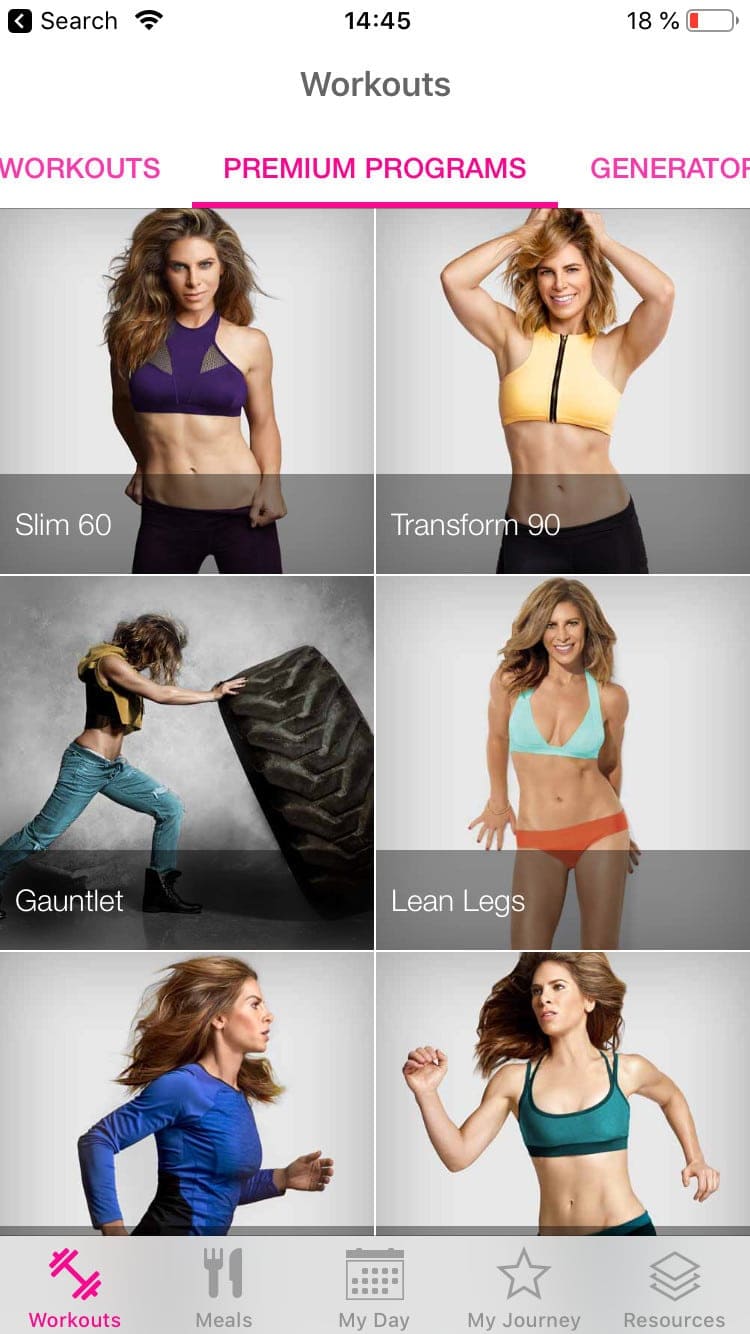
You can choose a programme focused on legs, arms, abs, or full body. Jillian also has several programmes for pregnant women (divided into first, second, and third trimester), including a post-partum programme. After each workout, you rate how hard (or easy) it was, and the app adjusts accordingly.
There are also short 7-minute programmes for abs, arms, legs, cardio, and full body.
Another brilliant feature is the workout generator, where you can create a custom workout to suit your needs. You choose whether you want 10, 20, 30, or 45 minutes, how intense you want it (easy, medium, or hard), and then pick the focus area (glutes and thighs, abs, arms, chest, back, full body, cardio, or stretching).
https://www.youtube.com/watch?v=Wsmc36dbL2E
The app tracks your progress — you can add progress photos and log your weight, and it calculates how many workouts you’ve completed and how many calories you’ve burned in total.
How Much Does It Cost?
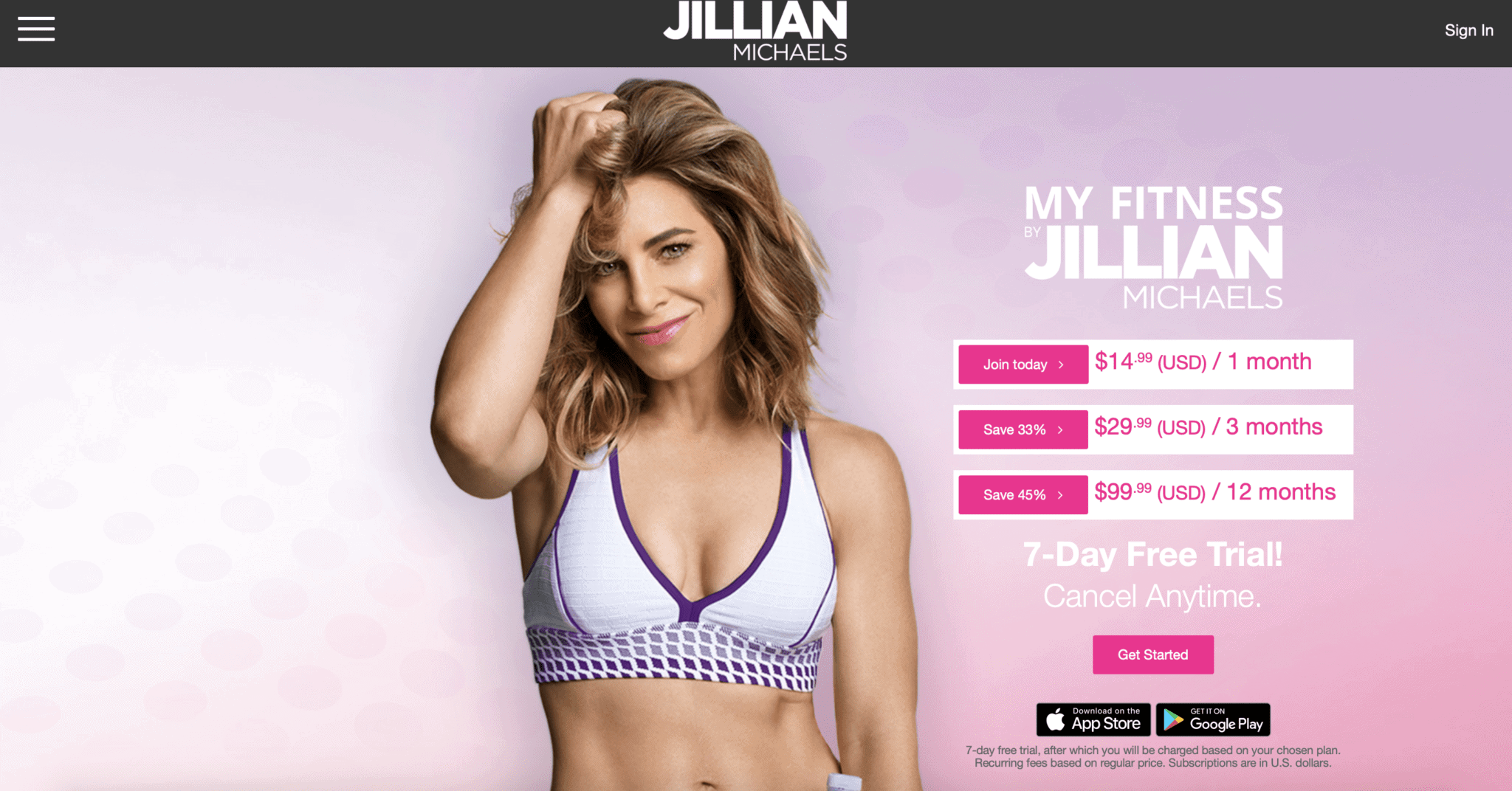
- You can try it free for 7 days, after which it costs between €2 and €3.50 per week (less than a single gym entry), depending on the plan you choose.
- On a month-to-month plan, 30 days costs about €14 ($14.90)
- If you buy it for 3 months (€29), it works out to around €10 per month
- With an annual subscription ($99), you’ll pay roughly €8 per month
Recipes Included in the Price
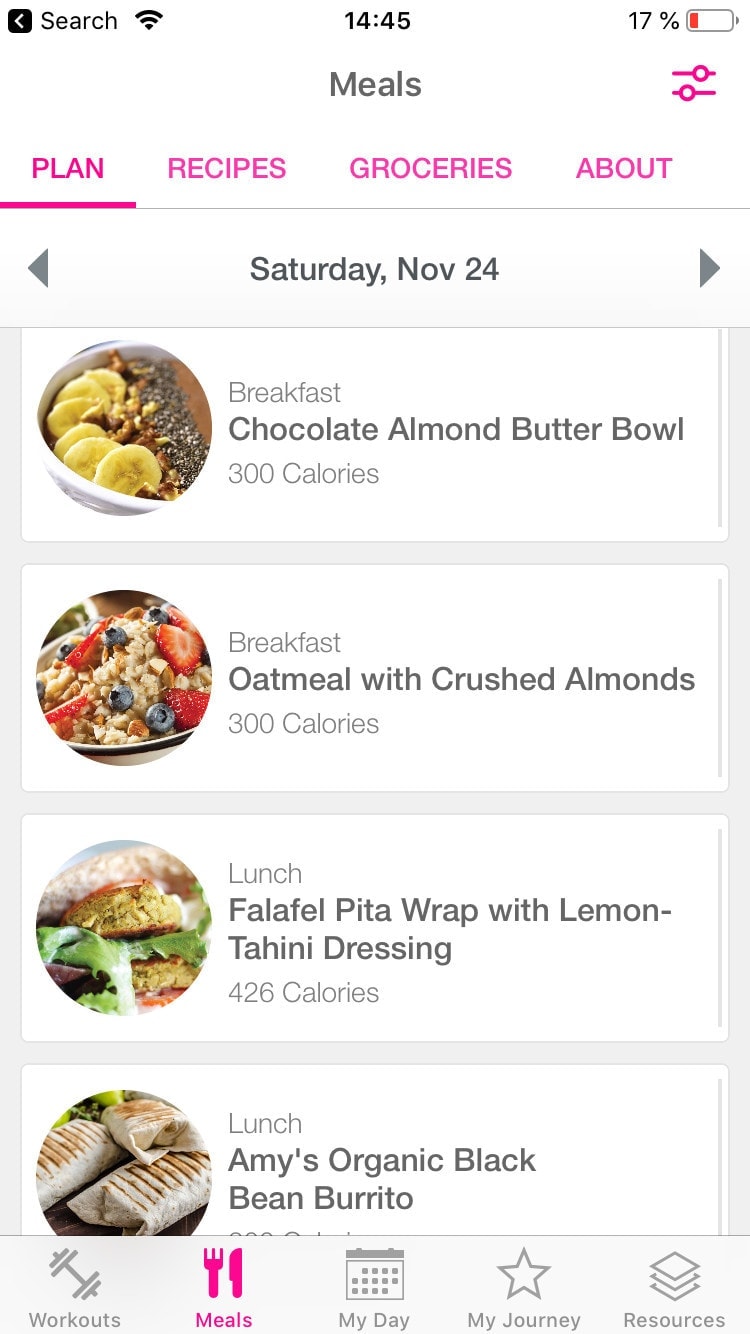
Your subscription also includes daily meal plans, and you can choose whether you’re vegetarian or vegan. The recipes automatically generate a shopping list. The catch is that the recipes are designed for the US market, so some ingredients may be harder to find or pricier in the UK — but they’re great for inspiration.
Do I Need to Know Another Language?
The app is entirely in English, so if you’re reading this, you’re good to go. The interface is intuitive and the exercises are demonstrated visually, so it’s easy to follow along.
TIP: If you want to support your weight loss with nutrition too, check out a keto diet approach — it pairs really well with regular workouts.
2) Sweat by Kayla Itsines
Probably the biggest hit among workout apps, because it delivers some of the fastest and most dramatic results. If you search “BBG progress” (BBG is the programme name), you’ll see incredible transformations after just 12 weeks. When I decided to get back into working out while in Thailand, I went for this app — and I was blown away.
https://www.instagram.com/p/BqHnOcoAaQ3/
Unlike the Jillian Michaels app, Sweat only has four programmes:
- Body and Mind
- PWR
- BBG Stronger
- Post Pregnancy
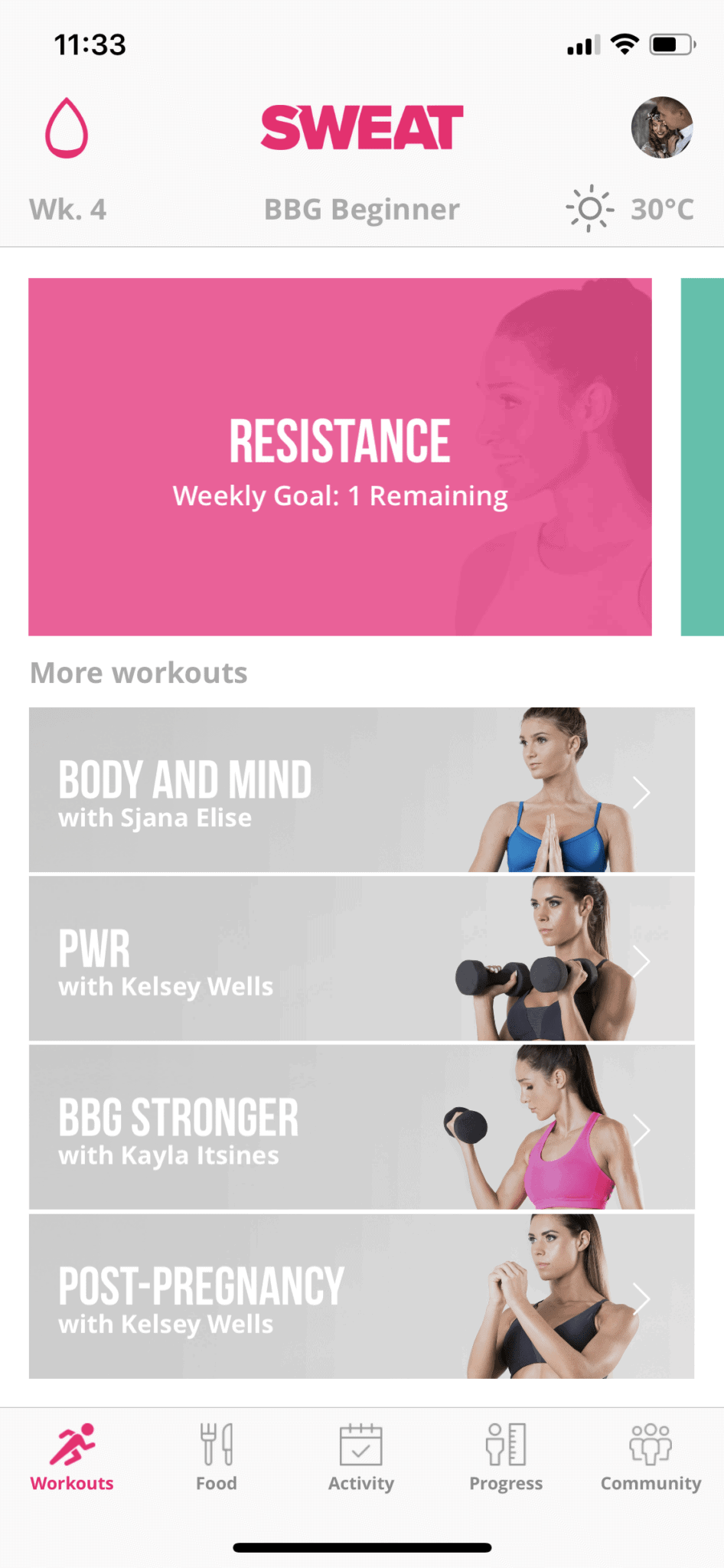
I went with the famous BBG Stronger. From the very first session, it’s an absolute beast — I was dripping with sweat within minutes, and the next day my muscles were screaming as if they wanted to grow overnight.
How Does the BBG Programme Work?
The BBG programme was originally developed as a personal trainer programme for the gym, but most people have adapted it for home use.
You do 28-minute strength sessions 3 times a week — targeting abs and arms, full body, and legs. The other 3 days are lighter cardio; Kayla recommends a brisk 35-minute walk. You could walk to work instead of driving, or take the dog for a proper walk (but you really need to keep up a fast pace). One day features a challenge — a series of exercises you need to complete in the shortest time possible.
https://www.instagram.com/p/BpA8oaXAcel/
You can schedule your workouts however you like, or follow the pre-made calendar that’s set up for you.
Just like the Jillian Michaels app, Sweat also includes meal plans with recipes and a place to log your progress. The app can also connect to Apple Health via iOS, so if you track your steps with a Fitbit, for example, you’ll see them in the app’s calendar.
What Are the Downsides?
I’d say the main drawback is that you need dumbbells and occasionally other equipment, which isn’t exactly practical when you’re travelling. Fortunately, it’s usually only for a couple of exercises — I substitute dumbbells with water bottles and use an imaginary skipping rope. I’ve also managed to replace other equipment with a chair or whatever happens to be nearby.
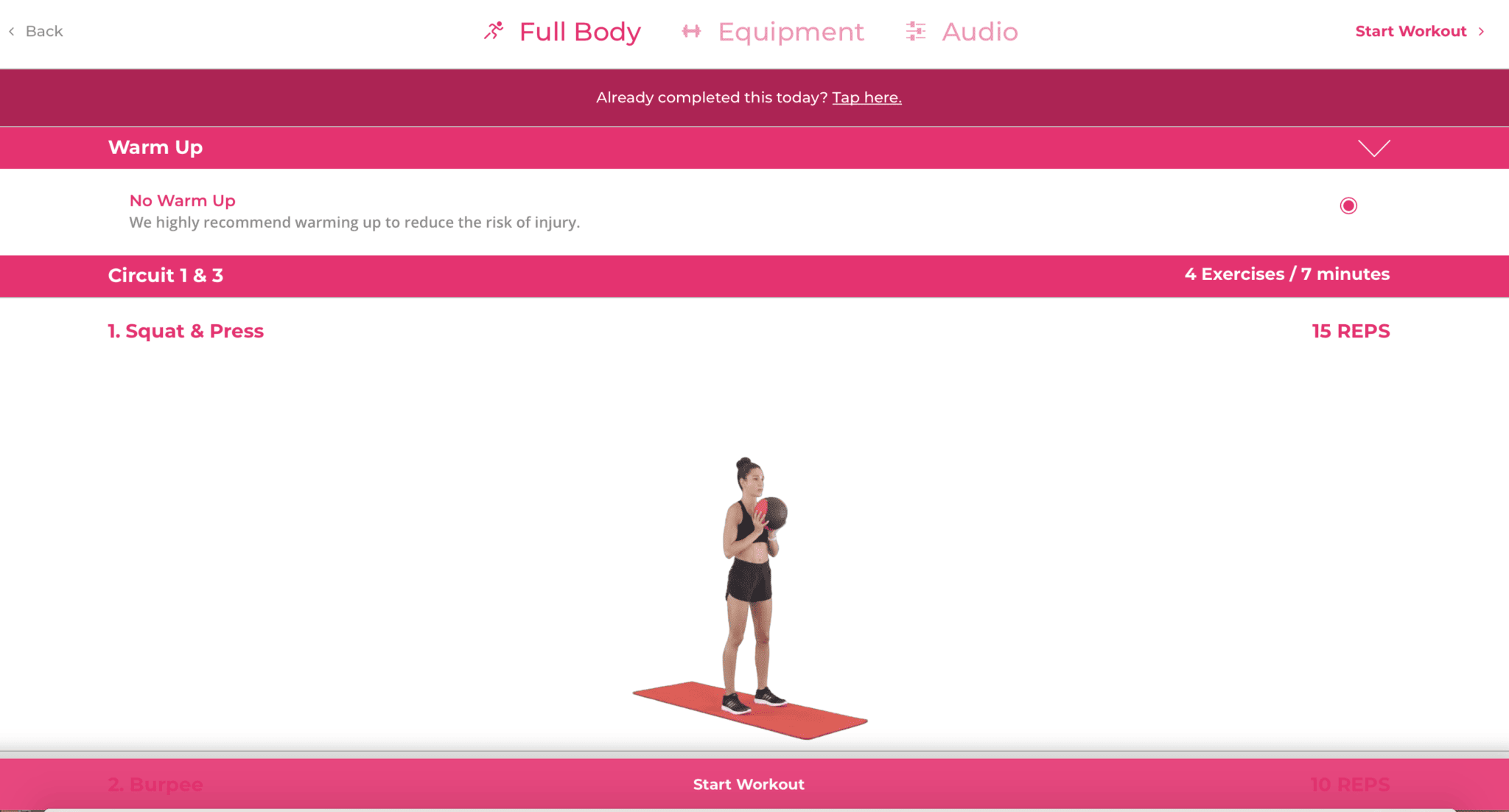
Note: The Body And Mind programme doesn’t require any equipment, but it focuses on stretching, bodyweight work, balance, and core strengthening.
I also find it slightly less user-friendly than the Jillian Michaels app.
How Much Does It Cost?
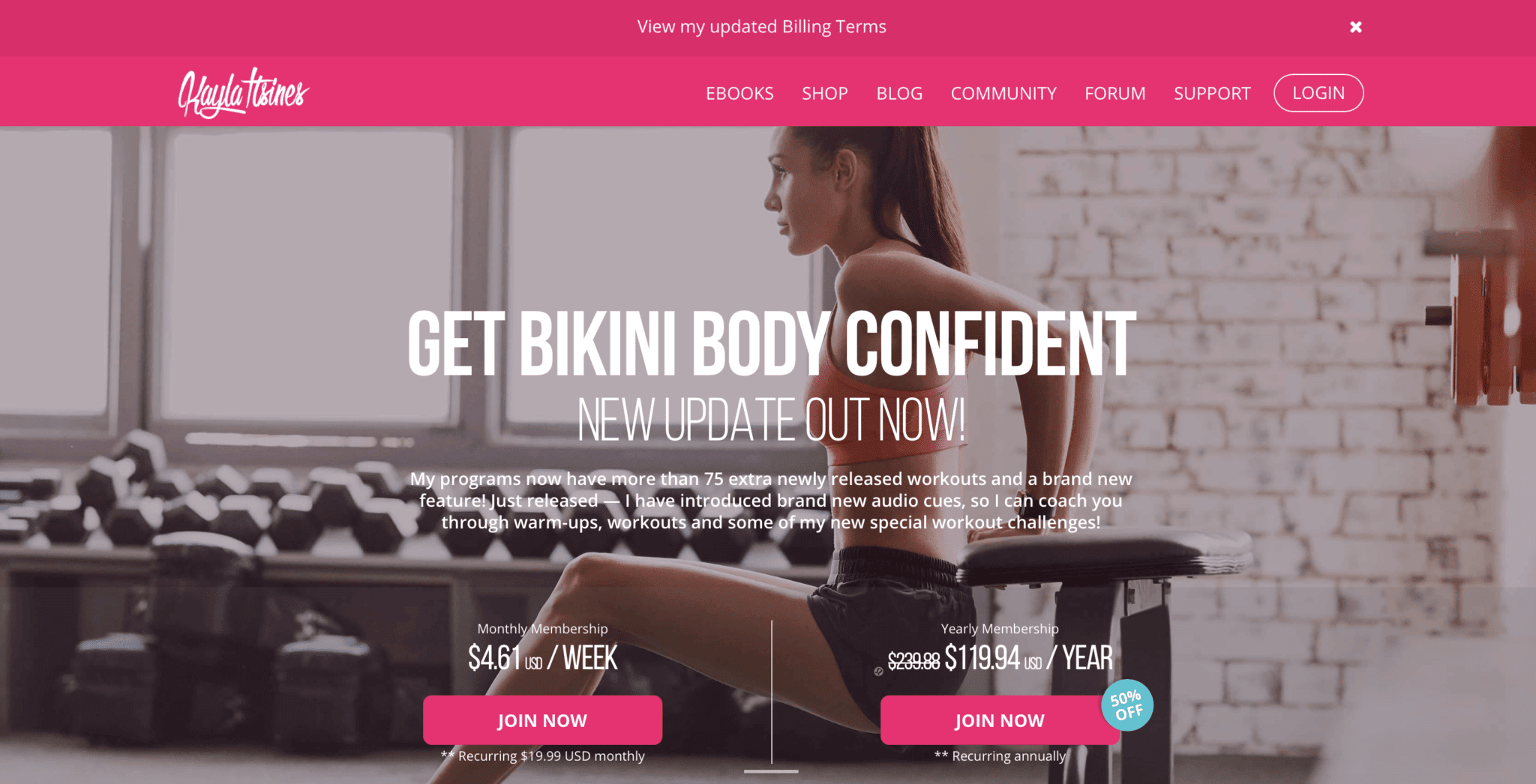
You can either pay monthly at $29, which works out to about €4.50 per week, or go for the annual membership at $119, bringing it down to roughly €2 per week.
Is It Easy to Navigate?
The app is entirely in English and very straightforward to use. The “Community” tab also has interesting discussions, articles, and recipes. Just knowing how the BBG programme works (see above) is enough to get started.
3) Freeletics
Freeletics is right up there with Sweat as one of the biggest hits among fitness apps, thanks to the incredible results people achieve (check out the video below — it shows a 15-week transformation, and YouTube is full of similar ones). My partner Lukáš uses this one, so I asked him to share his review.
What Is Freeletics?
Freeletics is a suite of fitness apps for mobile phones that creates personalised workout and nutrition plans. They also have apps for running and gym workouts, though I don’t have experience with those.
The workouts are HIIT-based — that’s High-Intensity Interval Training. Sessions typically last between 5 and 30 minutes.
Freeletics isn’t for everyone — at least not at first. From day one, it pushes you hard, and during those first few days I finished every session feeling like I was truly at my limit.
Freeletics Coach = Artificial Intelligence
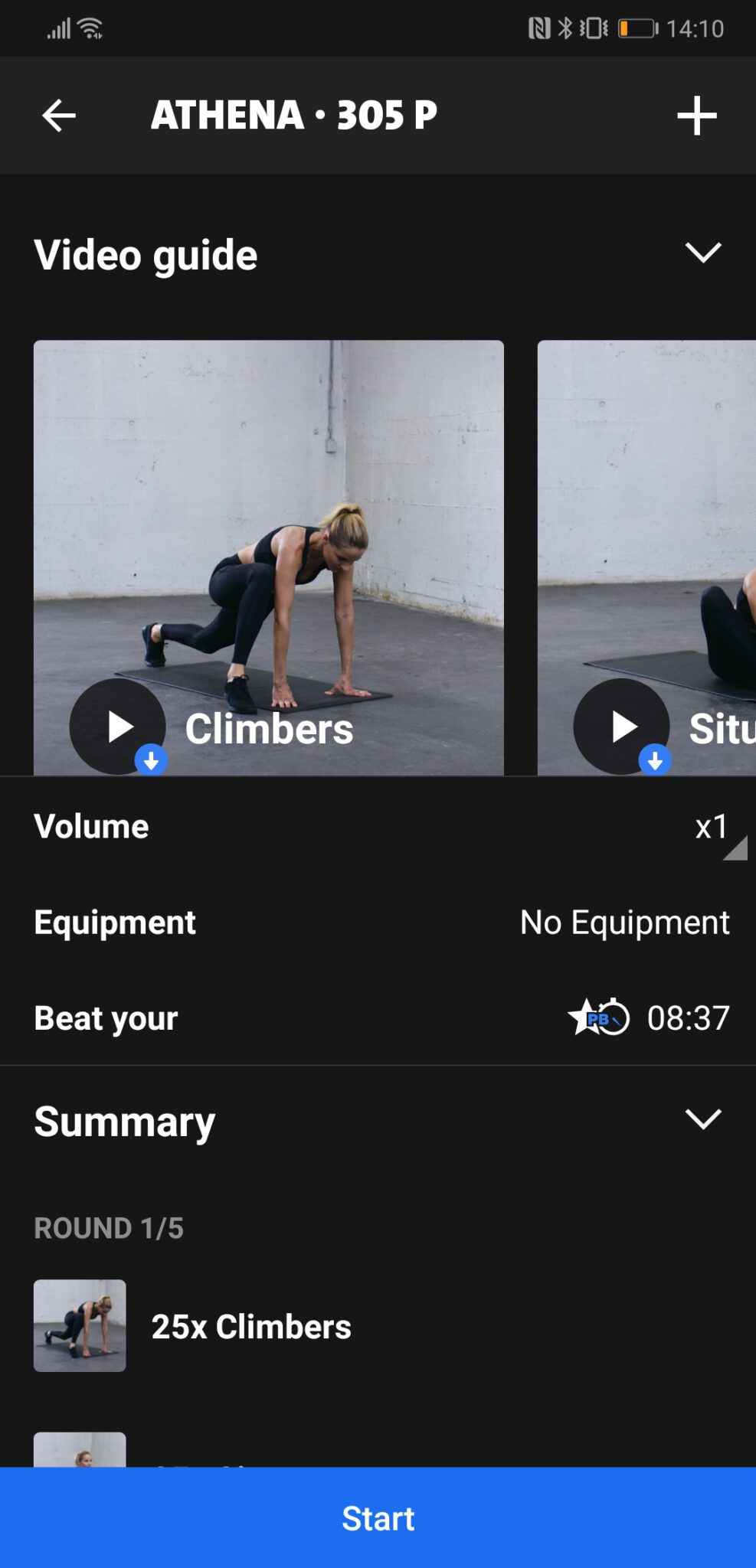
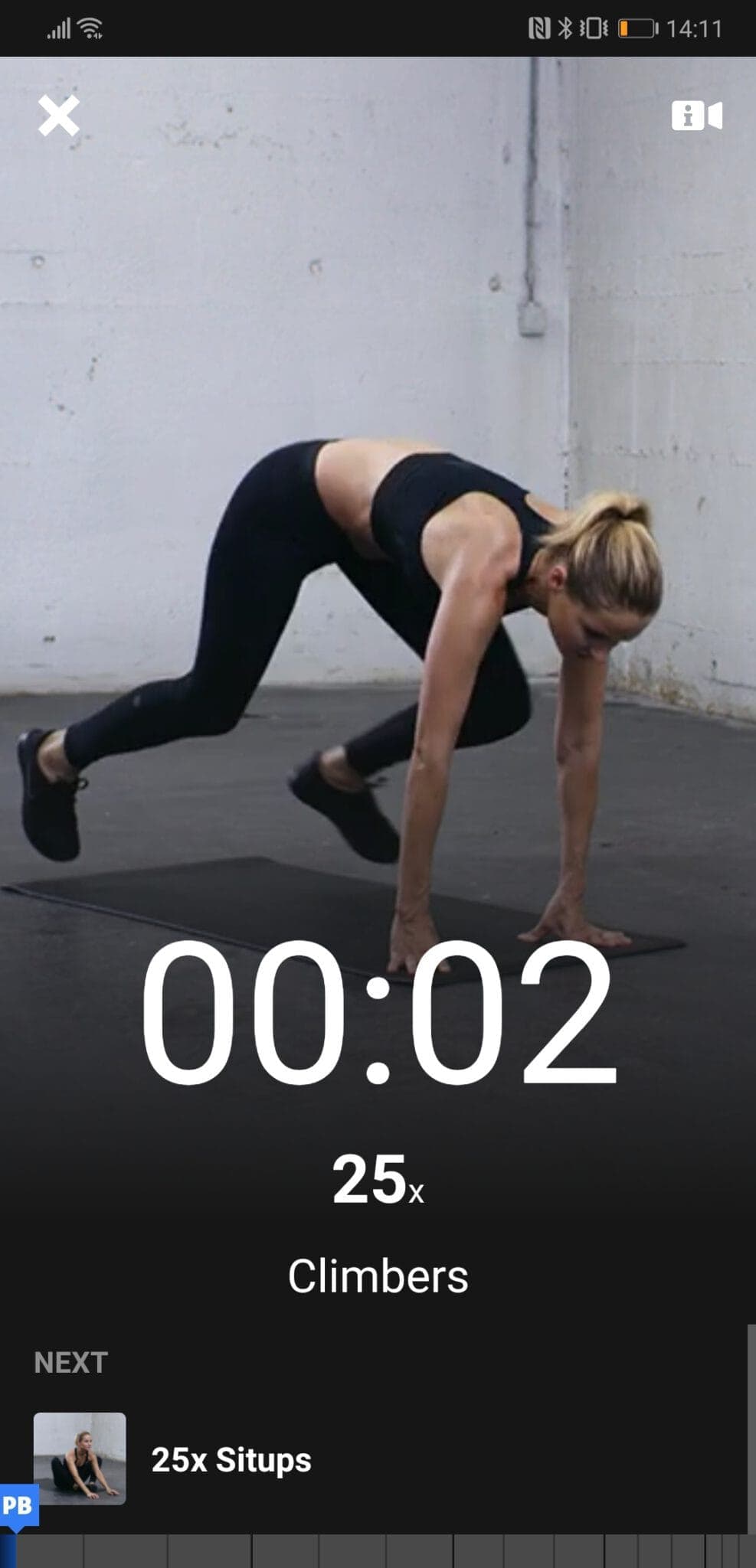
The app coaches you, meaning it adjusts your workout plan based on your performance. You rate every session immediately afterwards. The app always asks the same things: how the workout felt, how tired you are, whether you managed to maintain proper form throughout, and which exercises gave you the most trouble.
Based on this feedback, it does a remarkable job of estimating your muscle condition and adjusts the following week’s workouts so you build strength evenly. Over time, the app introduces new and more complex exercises.

Gamified Rewards to Keep You Motivated
The app works with personal records. It features signature workouts named after Greek gods, which you do once a week. What matters is how quickly you can complete the routine. The goal is to be at least a little bit faster each time while still maintaining proper form.
Of course, you could cheat — the app only knows what you tell it. But if you log everything honestly, the results can be truly remarkable.
How Much Does Freeletics Cost?
An annual membership comes to roughly $80 (about €75) per year, which is pretty good value. Especially when you consider that a gym membership in a major city can easily run €40–60 per month. With our link, you’ll get a 20% discount to start. 😉
They also offer a 14-day money-back guarantee.
Do You Need Any Special Language Skills?
The app is available in multiple languages including English, so you’ll have no issues navigating it. The key phrases repeat throughout, making it very easy to follow.
4) DownDog
Lukáš and I both love yoga — when we were living in one place, we used to go together regularly. We fell in love with this app because it lets us practise yoga with guidance even while travelling. All we need is a phone or a tablet.
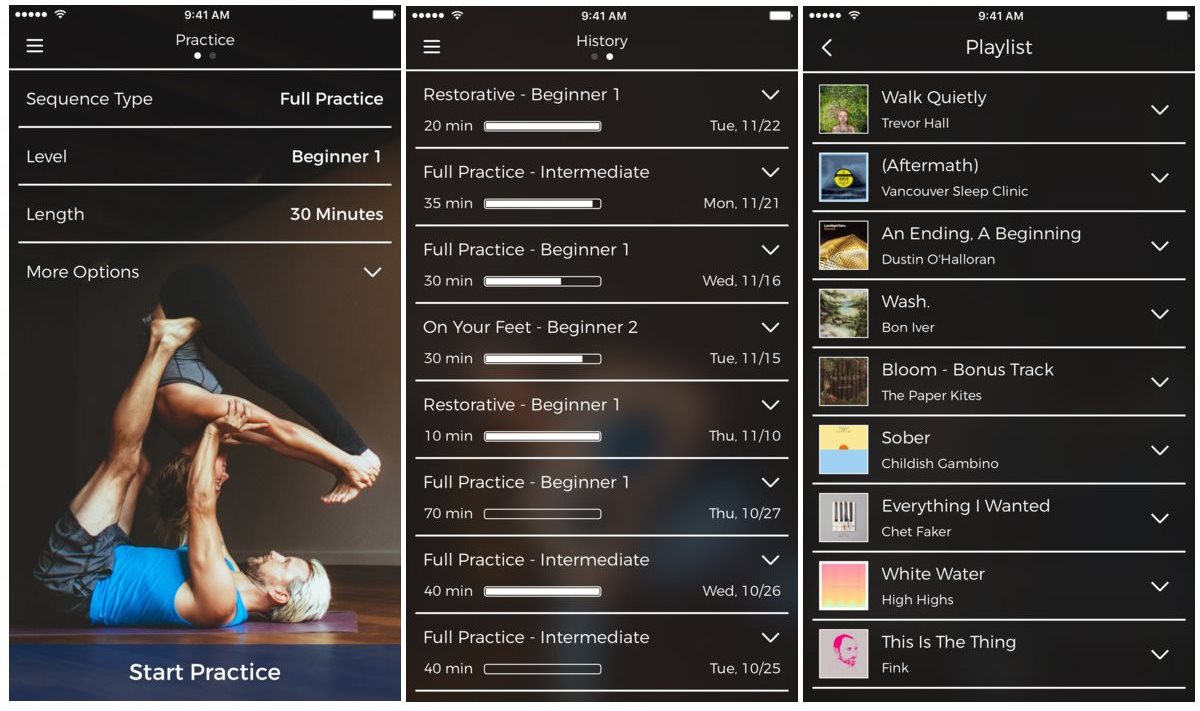
The app offers four basic modes:
Full Practice – A complete session including a warm-up, a series of standing and seated poses, and a cool-down. You can set it anywhere from 20 to 100 minutes.
Short Practice – A condensed version of Full Practice that still includes all the key elements. It can be shortened to just 10 minutes, so we mainly use this mode for quick sessions during the day.
Quick Flow – A solution for a really fast workout that skips the warm-up.
Restorative – A mode focused on stretching and relaxation, ideal for the evening when you don’t want to get too energised before bed.
You can also set five difficulty levels, so there’s something for everyone regardless of experience.
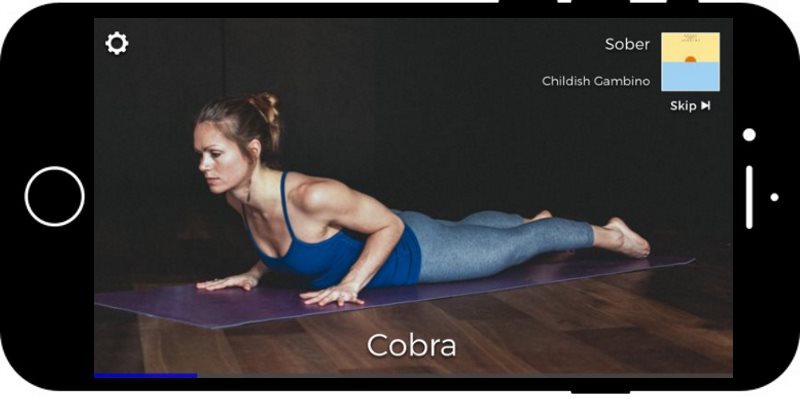
The app works like a clever “mixer.” It contains a huge library of individual poses that get combined into tailor-made sessions based on the settings you choose.
How Much Does It Cost?
The app is largely free — you don’t need to pay to use it. Paying unlocks additional settings, but you can easily get by without them. The premium version costs a few dozen dollars per year, and the price seems to change constantly as they’re always running promotions. 🙂 We got our annual membership for $30.
5) Fitbit Coach
If you’ve been following us for a while, you probably know we’ve been loyal to our Fitbit fitness watches for years — they travel with us everywhere around the world. They track our steps, calories burned, and sleep. You can download the Fitbit Coach app, which gives you access to a personalised fitness trainer.
The App Tests Your Fitness Level
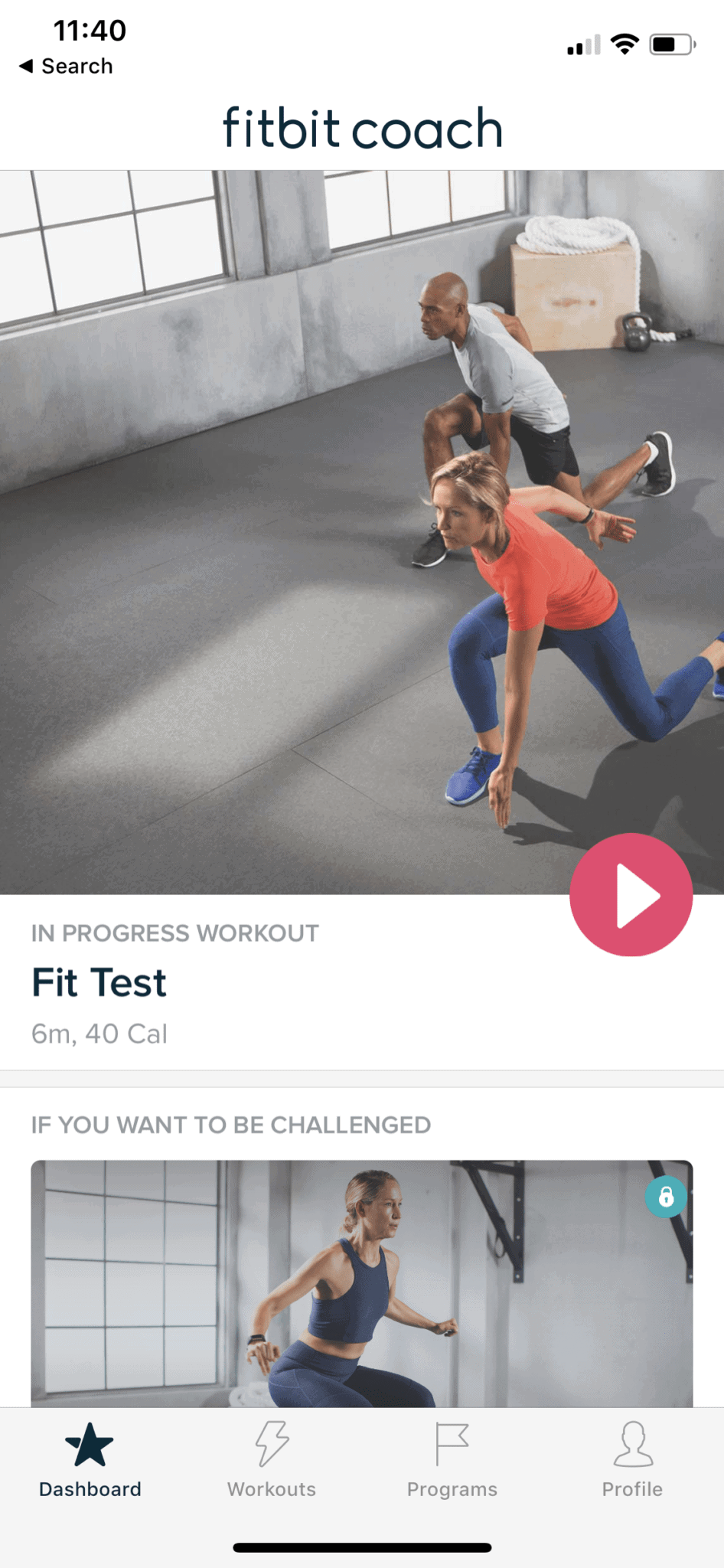
First, you take a Fit Test where the app assesses your current fitness level. Then it asks you to rate how challenging the workout was, and uses that information to tailor future workouts for you.
Programmes
Fitbit currently offers four programmes:
- Get Moving (for beginners)
- Get Lean (for weight loss)
- Get Strong (for toning and strength training)
- Daily Dose (perfect for anyone with a busy schedule)
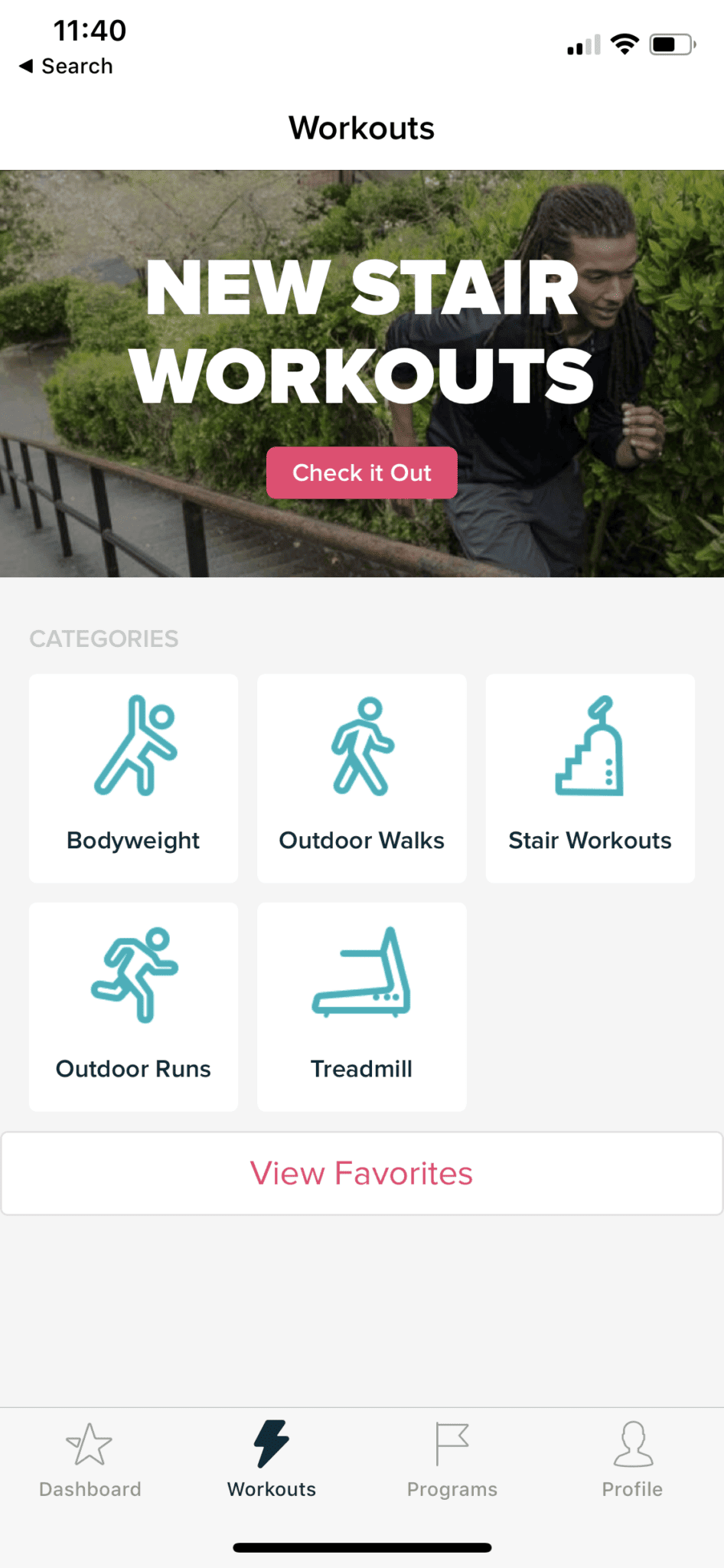
Beyond that, there’s a range of individual workouts to choose from. I was particularly impressed that you can go for coached outdoor runs or stair workouts with your Fitbit Coach. There are even coached power walks (brisk walking sessions). Your Fitbit Coach gives you real-time audio cues during walks or runs, telling you when to speed up or slow down for optimal results.
The Perfect App for Tech Lovers
What I love about this app is that it’s seamlessly connected with your Fitbit and suggests workouts based on how active you’ve been throughout the day. For all you tech enthusiasts out there, this is absolute perfection!
How Much Does It Cost?
On a monthly plan, it comes to about €8 per month. With the annual plan (roughly €40/year), it works out to just over €3 per month.
Is It Easy to Use?
The app is in English and quite intuitive. To get the most out of features like audio coaching during runs and walks, you’ll want to be comfortable with spoken English.
Don’t fancy paying for apps? You can always work out at home using free resources online! YouTube is packed with fantastic free workout videos for every fitness level.
Tips and Tricks for Your Vacation
Don’t Overpay for Flights
Search for flights on Kayak. It’s our favorite search engine because it scans the websites of all airlines and always finds the cheapest connection.
Book Your Accommodation Smartly
The best experiences we’ve had when looking for accommodation (from Alaska to Morocco) are with Booking.com, where hotels, apartments, and entire houses are usually the cheapest and most widely available.
Don’t Forget Travel Insurance
Good travel insurance will protect you against illness, accidents, theft, or flight cancellations. We’ve had a few hospital visits abroad, so we know how important it is to have proper insurance arranged.
Where we insure ourselves: SafetyWing (simple monthly subscription) and TrueTraveller (for extra-long trips).
Find the Best Experiences
Get Your Guide is a huge online marketplace where you can book guided walks, trips, skip-the-line tickets, tours, and much more. We always find some extra fun there!


