
No eye for design, and your Photoshop skills begin and end with resizing a photo? Have you ever gazed enviously at a beautifully designed presentation, or spent way too long trying to put together a decent infographic? If you’re still drawn to the idea of creating great visuals, you’re in the right place — today we’re showing you how to produce on-trend graphics for your website and social media using online graphic tools, even if you have zero design background.
I’ve been working in Photoshop for over 16 years (yes, roughly since I was fourteen) and I swear by Lightroom — but here’s the honest truth: knowing Photoshop and Lightroom inside out doesn’t automatically make you a good designer.
You need an idea, an instinct for aesthetics, and the skill to pull it all together. And some days, all three of those are in short supply. So let’s look at how to create cool visuals even when you feel like you have no idea what you’re doing — ideally for free.
What Is Graphic Design?
Graphic design is a broad term covering the creation, manipulation, and presentation of visual elements — think images, illustrations, photography, animation, and layout design. At its core, it’s the art and craft of visual communication, delivered through a wide range of media and tools.
What Are Graphic Designing Tools?
Graphic designing tools include everything from image editors and vector software to animation platforms and photo retouching apps. Some of the most widely used professional tools include Adobe Photoshop, Adobe Illustrator, CorelDRAW, GIMP, and Inkscape — but these have a steep learning curve.
These tools let you create and edit visual elements such as images, logos, icons, web graphics, animations, posters, and flyers. They offer features like drawing, colour adjustment, layers, filters, object transformation, and text effects — all the things that help creatives bring their ideas to life with precision.
Professional graphic designing tools are essential for designers, artists, photographers, and marketers. They help produce unique, polished, and professional visuals for everything from advertising campaigns and web design to print media and social content. Without them, achieving that level of creative output and precision would be near impossible — which is exactly why the free online alternatives we’re about to cover are such a game-changer for beginners.
1) Canva – Graphic Design in a Few Clicks
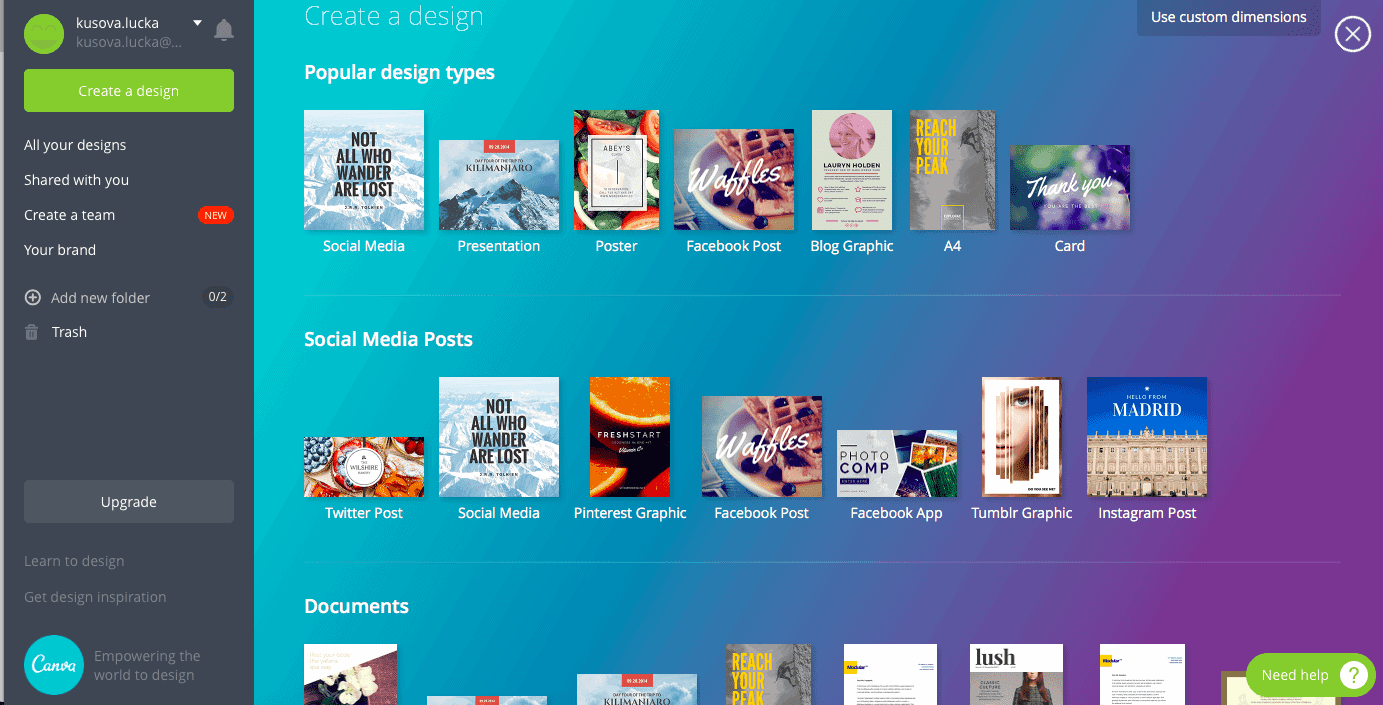
One of our absolute favourite tools — used by enthusiasts and professionals alike all over the world. With Canva, you get access to thousands of fonts, photos, and ready-made designs for free. The app is completely intuitive, and new templates are added all the time. Some designs and features do require a paid plan, but most of us can get by comfortably on the free tier — at least to start with.
💡 Read our in-depth Canva review.
These days we pay for the PRO version — because honestly, nothing else comes close. Every member of our team can use Canva with ease, which has saved us a significant amount in designer fees. With the PRO plan, you unlock a full media library of videos, photos, and other visuals, plus audio — music and sound effects included. You can also edit video and create mockups directly inside Canva.
Here’s what you can create in three minutes:
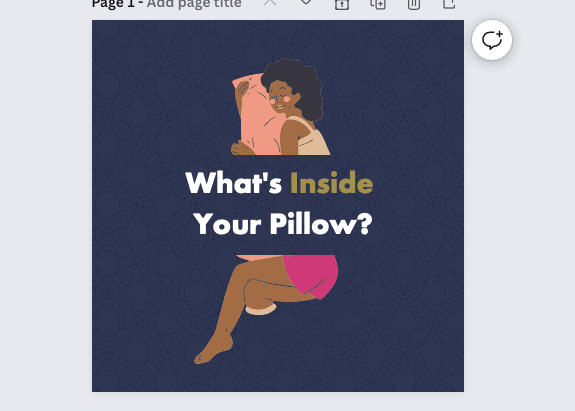

And imagine what you could do if you spent six minutes on it.
Canva Course for Beginners
Canva is easy to pick up on your own, but if you’d rather follow a structured path, there are plenty of online Canva courses available on platforms like Udemy and Skillshare. A good beginner course typically covers:
- 20+ lessons of step-by-step video content
- Editable Canva templates to practise with
- A downloadable learning plan to keep you on track
Who Is a Canva Course For?
- Complete beginners with no graphic design background
- Existing Canva users who want to make sure they’re using it to its full potential
- Small business owners and solo entrepreneurs
- Creative people who want to turn a hobby into a brand or side business
- Business owners who want to upskill their team and stay current with social media trends
2) Piktochart – Stylish Presentations and Infographics
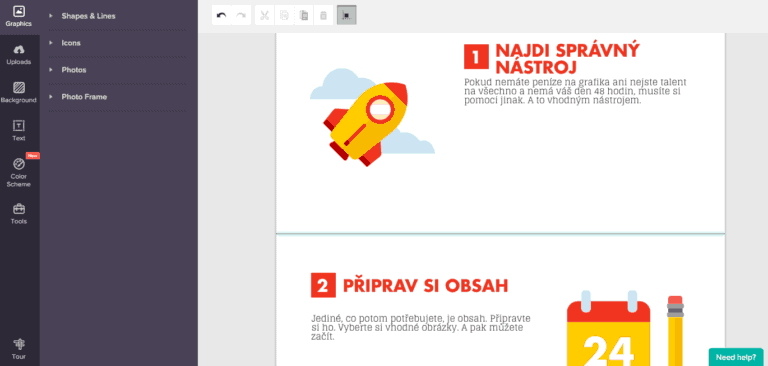
If you’re after a simple tool for putting together presentations, Piktochart is well worth a look. It’s equally intuitive, offers a wide range of templates, and best of all — it’s free. The results look genuinely impressive too — see for yourself. All you need to do is fill in your content. Piktochart also has a paid tier with significantly more features if you need to go further.
3) Looka – Affordable Logo Creation
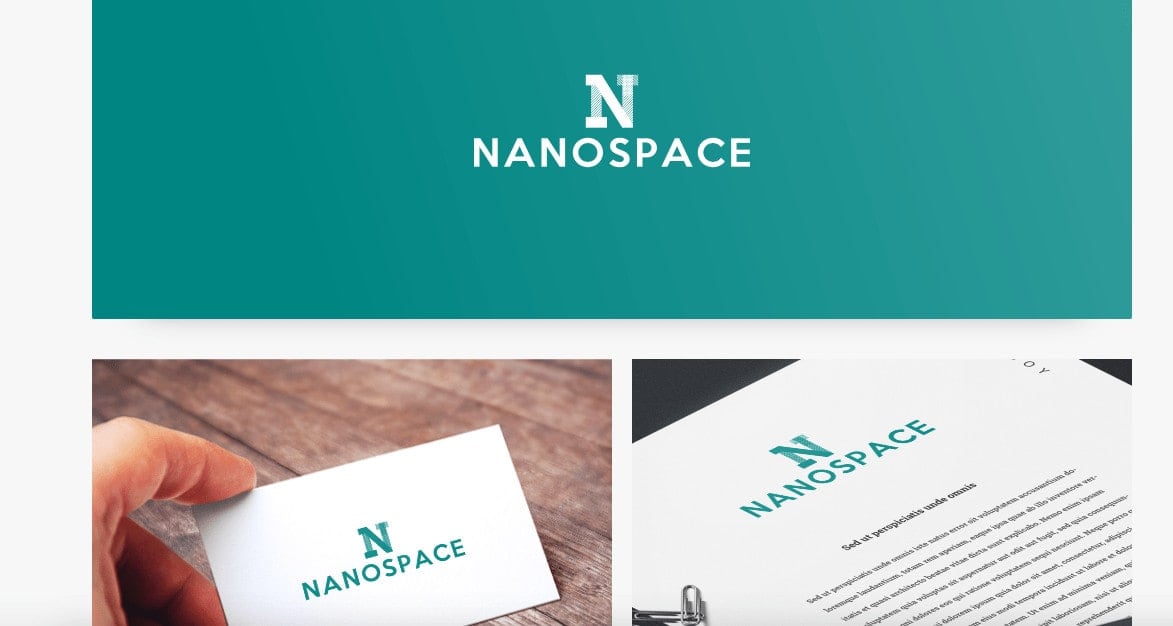
Most people assume that getting a decent logo without a big budget is basically impossible. But there are tools out there that can seriously reduce what you’d normally spend. One worth trying is Looka. Simply choose your preferred colours, logo styles, and icon types, and it generates a custom logo for you. You can then tweak it to your liking and export the final version for $20.
4) Infogram – Free Tool for Creating Infographics
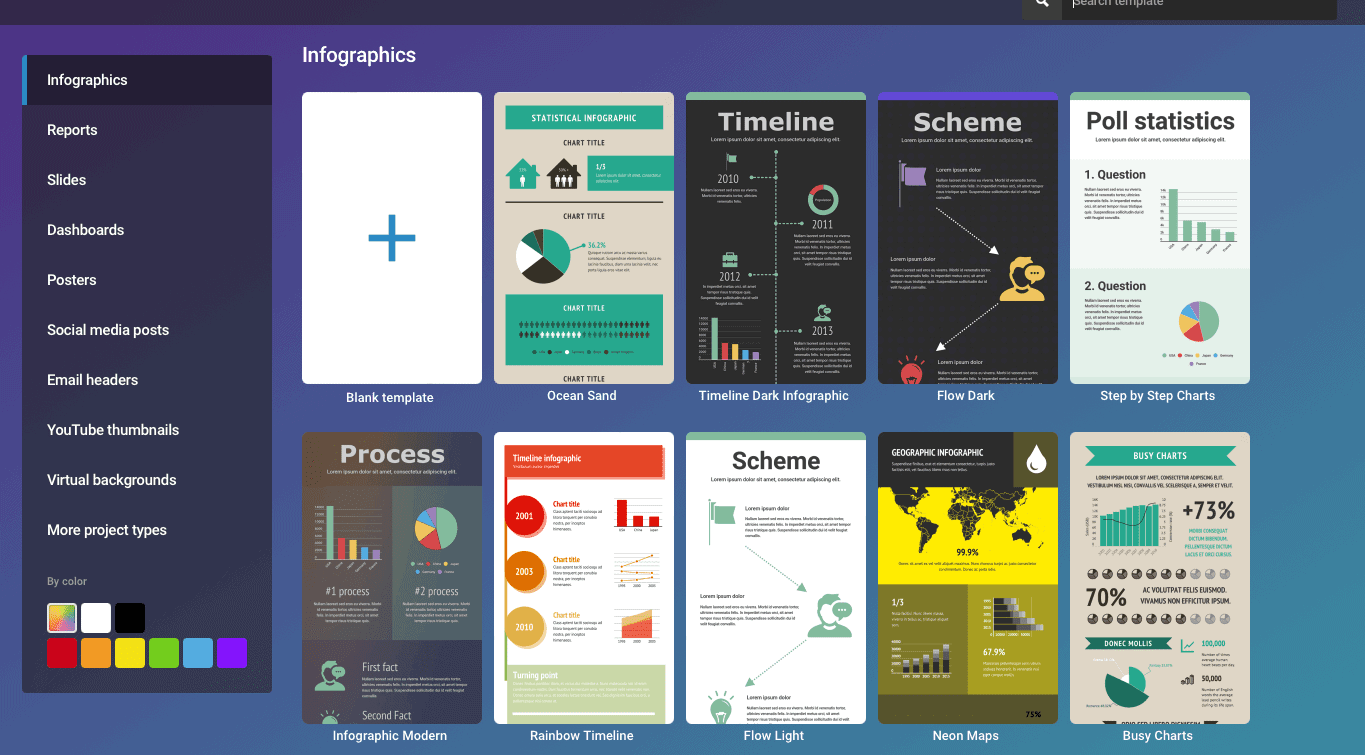
Need to put together a polished infographic or a data report? Give Infogram a go — it has a solid free plan. Again, it’s a very intuitive tool with plenty of templates, where you simply swap in your own text and update the graphics or images as needed. Exporting does require a paid plan, but if you don’t need a PDF, a good old screenshot works just fine. 😎
5) Bannersnack – Easy PPC Banner Creation
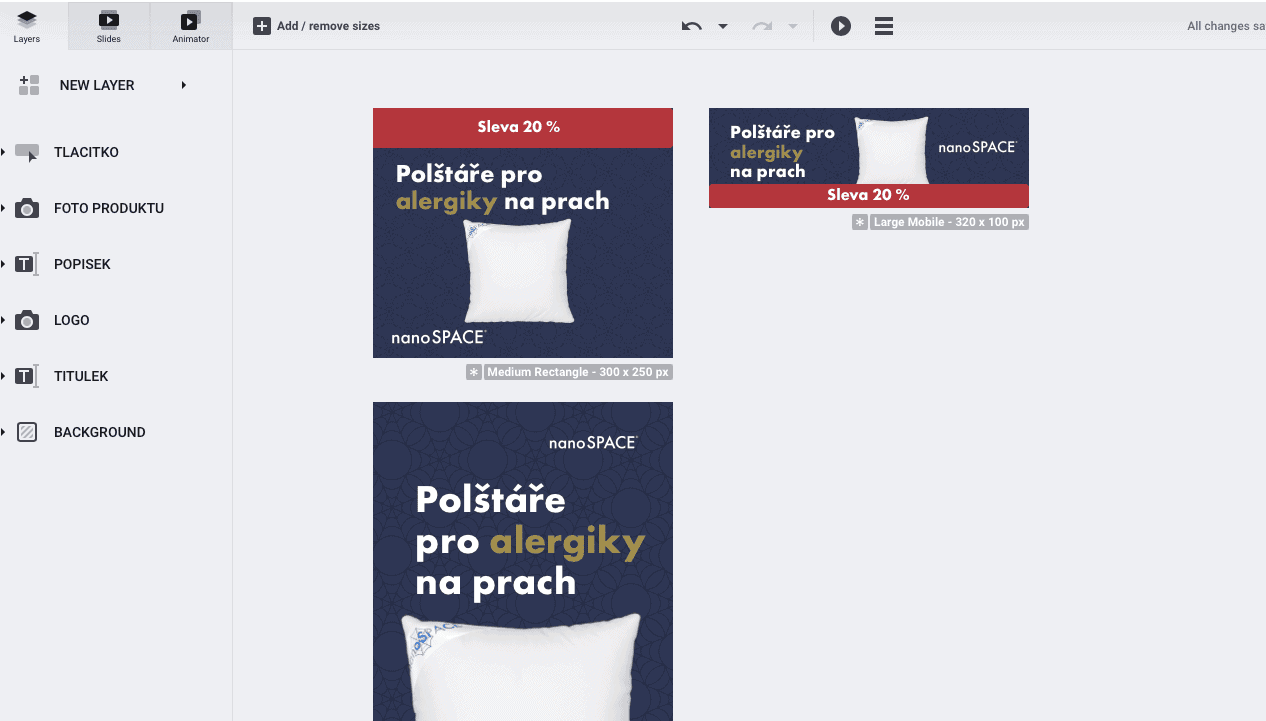
Tired of building PPC ad banners one size at a time and looking for a smarter way to handle it? Bannersnack is my second most-used graphic design tool after Canva. It’s perfect for producing PPC banners quickly and efficiently — you can generate up to 20 different banner sizes in one go. It even supports animated HTML banners. 😎 The investment paid for itself within the first month. Professional banner design doesn’t come cheap, so having a tool like this in your kit is a real money-saver.
Tips and Tricks for Your Vacation
Don’t Overpay for Flights
Search for flights on Kayak. It’s our favorite search engine because it scans the websites of all airlines and always finds the cheapest connection.
Book Your Accommodation Smartly
The best experiences we’ve had when looking for accommodation (from Alaska to Morocco) are with Booking.com, where hotels, apartments, and entire houses are usually the cheapest and most widely available.
Don’t Forget Travel Insurance
Good travel insurance will protect you against illness, accidents, theft, or flight cancellations. We’ve had a few hospital visits abroad, so we know how important it is to have proper insurance arranged.
Where we insure ourselves: SafetyWing (simple monthly subscription) and TrueTraveller (for extra-long trips).
Find the Best Experiences
Get Your Guide is a huge online marketplace where you can book guided walks, trips, skip-the-line tickets, tours, and much more. We always find some extra fun there!


