

There’s a huge number of social media management tools on the market today. They differ not only in price and the number of social networks you can schedule posts to, but also in user interface and advanced analytics capabilities. In this article, we’ll take a look at the 12 best social media management tools available right now and help you pick the one that’s right for you.
Why Use Social Media Management Tools?
It’s simple — they save you a ton of work. Through a single piece of software (most of them also have a mobile app), you can schedule posts across multiple social networks at once. They’re well worth the investment whether you’re a freelancer juggling several clients or a business. For marketing agencies, these tools are an absolute must.
Small businesses and beginner freelancers usually start with Zoho Social (great value for money), while influencers tend to go for Planoly or Later. Agencies most often choose Sendible, and larger agencies opt for Sprout Social, as it’s the most established player on the market. That said, I’d recommend trying out several tools since most offer a free trial — making it easy to find what works best for you. At the end of this article, you’ll also find a tip on where to buy social media management tools on the cheap. So keep reading! 😊
What to Look for When Choosing a Social Media Management Tool
- Price,
- Number of supported social networks,
- User interface,
- Integration with other apps,
- Analytics.
How to Choose the Right Tool for You?
I’d recommend picking 2–3 tools from our list that fit your budget and support the social networks you need, then taking them for a spin to see how they feel. All the tools offer a FREE trial period, during which you should test which one works best for you or your team.
Do You Have a Social Media Content Calendar?
The following tools will help you manage and schedule your posts, but they won’t create the content for you. Creating posts becomes much easier when you have a content calendar and a long-term strategy in place.
We’ve written a dedicated article about creating a content calendar. Building a template will take you 1–2 hours depending on how familiar you are with Google Docs or spreadsheets, and whether you know how to use ChatGPT or not 😅. If you’d rather jump straight in, we’ve prepared a ready-made template in Excel and Google Docs.
The template is designed so you can start using it right away with minimal modifications. ☺️
12 Best Social Media Management Tools for Scheduling
Consistent scheduling and content analysis are the keys to social media success. Fortunately, there are plenty of excellent tools that let you schedule posts in bulk and provide detailed analytics to track your performance.
1) Buffer
- Best for: Beginners / small businesses
- Price: Free plan available, then from $5
- Mobile app: YES
- Supported networks: Instagram, TikTok (new), Facebook (pages & groups), Twitter, LinkedIn (pages & profiles), Pinterest.
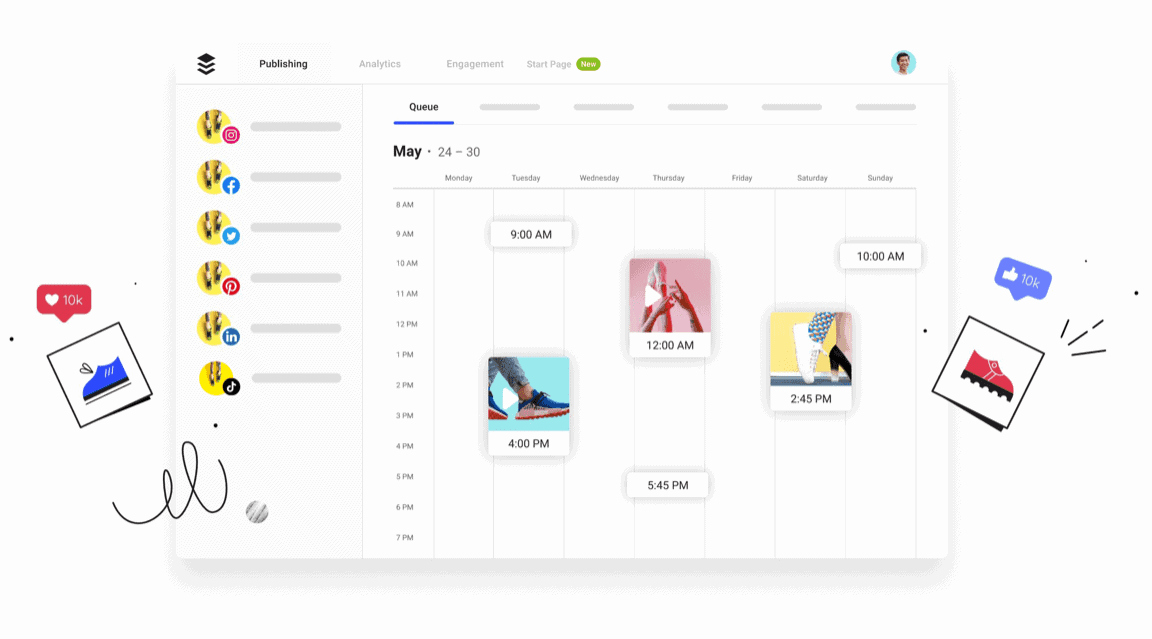
Buffer offers a free plan for beginners — you can schedule up to ten posts across three social media channels. The free plan also includes a calendar view, the buff.ly link shortener, and hashtag suggestions. The paid version with analytics starts at $5 per month, and you can try it free for 14 days. Buffer is also great for beginners because it has one of the most user-friendly interfaces out there.
2) Hootsuite
- Best for: Larger businesses and agencies
- Price: Free plan available, $49 – $599 per month
- Mobile app: YES
- Supported networks: Instagram, TikTok, Facebook, Twitter, LinkedIn, Pinterest.
Hootsuite is one of the most comprehensive social media management tools out there — and possibly the most widely used worldwide. Like its competitors, Hootsuite lets you schedule content, recommends optimal posting times, offers robust analytics, and integrates with a range of team collaboration and customer support apps. This means you can handle almost all your communication through a single dashboard.
Hootsuite also offers online training and webinars for its customers.
3) Loomly
- Best for: Larger businesses and agencies
- Price: Free trial, $35 – $359 per month
- Mobile app: YES
- Supported networks: Instagram, TikTok, Facebook, Twitter, LinkedIn, Pinterest.
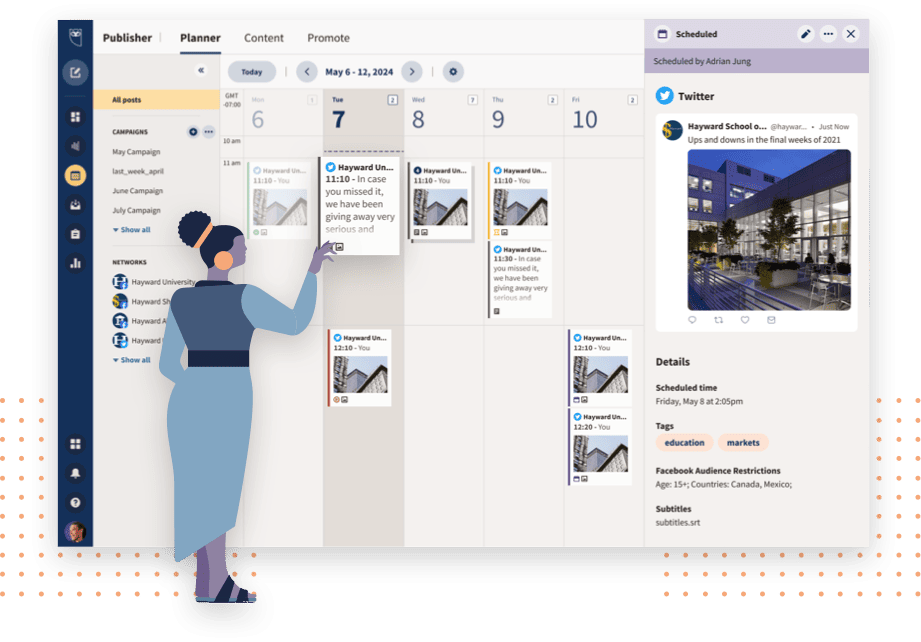
Loomly aims to compete with Hootsuite — not just on price, but also through its app integrations, robust analytics, and excellent customer support in the form of webinars and online training. Loomly is considerably more user-friendly, making it a better choice for teams that aren’t used to working with these kinds of marketing tools.
4) Zoho Social
- Best for: Small businesses, freelancers
- Price: Free trial, $10 – $330 per month
- Mobile app: YES
- Supported networks: Facebook (groups & pages), Twitter, Instagram, LinkedIn (profiles & pages), YouTube Channels, Google My Business listings, Pinterest
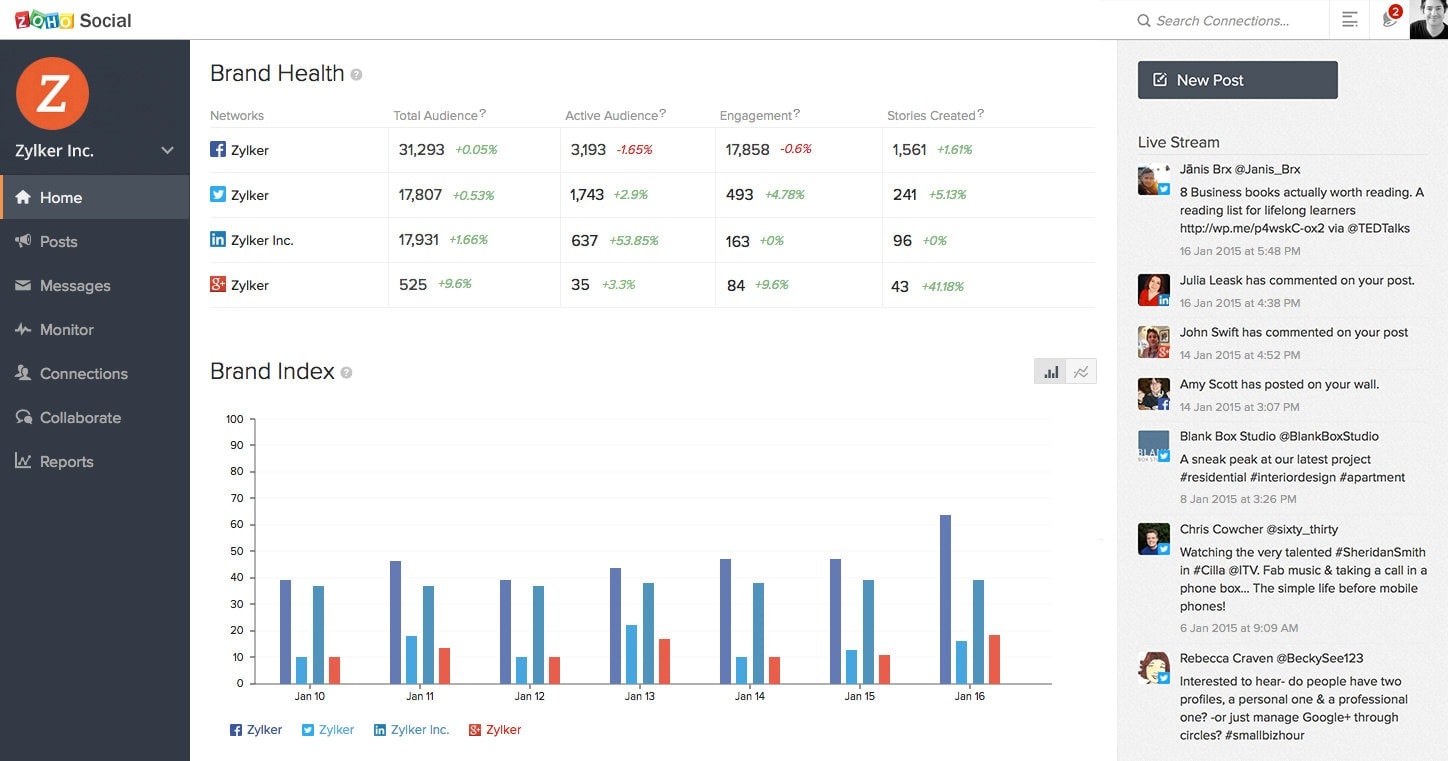
Zoho Social may not match Loomly or Hootsuite feature for feature, but its excellent price-to-performance ratio earns it a well-deserved fourth spot. If you only need basic analytics and don’t require integrations with every app under the sun, you should definitely give Zoho Social’s trial a go. It’s ideal for anyone who’s outgrown Buffer’s free plan but needs to start managing social media more professionally.
5) Sprout Social
- Best for: Large businesses and agencies
- Price: Free trial, $89 – $279 per month
- Mobile app: YES
- Supported networks: Facebook (groups & pages), Twitter, Instagram, LinkedIn (profiles & pages), YouTube Channels, Google My Business Messages, Pinterest, WhatsApp, TikTok
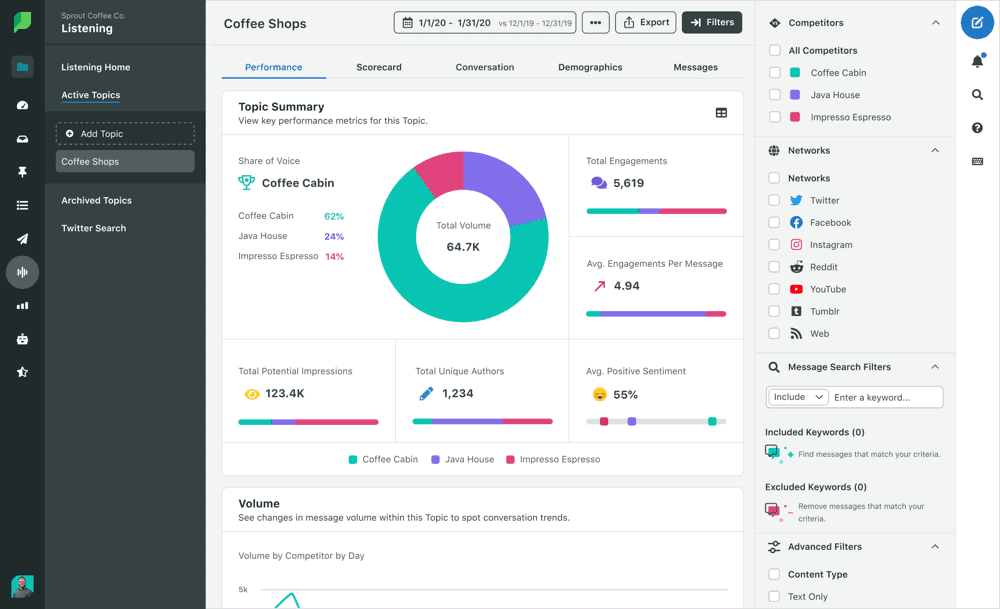
Sprout Social focuses exclusively on large enterprises, and the pricing reflects that. This tool is used by some of the world’s leading brands and agencies (Hyatt, Ogilvy, Leo Burnett, Evernote, Microsoft). Sprout Social offers similar services to Loomly and Hootsuite, but its biggest advantage is a flawless user interface that makes working in it incredibly fast and efficient. It integrates with Reddit, Slack, and other internal communication tools.
Sprout Social’s most popular plan is the Professional tier at $149 per month (billed annually). It allows users to post across ten social media profiles and includes powerful analytics.
Like Hootsuite, Sprout Social also offers online training, webinars, and a range of educational resources and videos.
6) Later
- Best for: Freelancers, influencers, and small businesses
- Price: Free trial, $0 – $49 per month
- Mobile app: YES
- Supported networks: Facebook, Twitter, Instagram, LinkedIn, Pinterest, TikTok
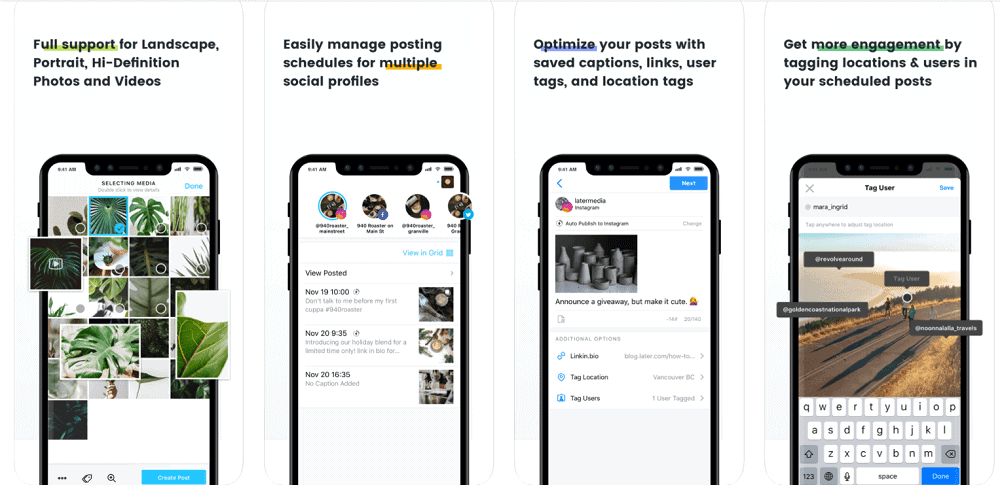
Later is hugely popular among younger users thanks to its highly visual interface, and it’s widely used by influencers for scheduling Instagram content. While it can’t compete with tools like Sprout Social, if you’re looking for your first social media scheduling tool, Later is an excellent choice. It’s also great for smaller businesses that just need the ability to schedule posts, access basic analytics, and collaborate with a team.
7) SocialBee
- Best for: Freelancers and small businesses
- Price: Free trial, $19 – $379 per month
- Mobile app: YES
- Supported networks: Facebook (groups & pages), Twitter, Instagram, LinkedIn (pages & profiles), Pinterest, TikTok, Google My Business
SocialBee’s UI design isn’t as polished as some other tools, but its layout is extremely intuitive.
At the top you’ll find a navigation bar with quick-access buttons for creating and switching between workspaces, adding new posts, configuring settings, and viewing notifications about the latest app updates. A standout feature is the built-in Canva integration, along with the ability to schedule evergreen content and connect an RSS feed for automated posting.
8) Sendible
- Best for: Large businesses and agencies
- Price: Free trial, $29 – $399 per month
- Mobile app: YES
- Supported networks: Facebook (groups & pages), Twitter, Instagram, LinkedIn (pages & profiles), Pinterest, WordPress, Google My Business, YouTube
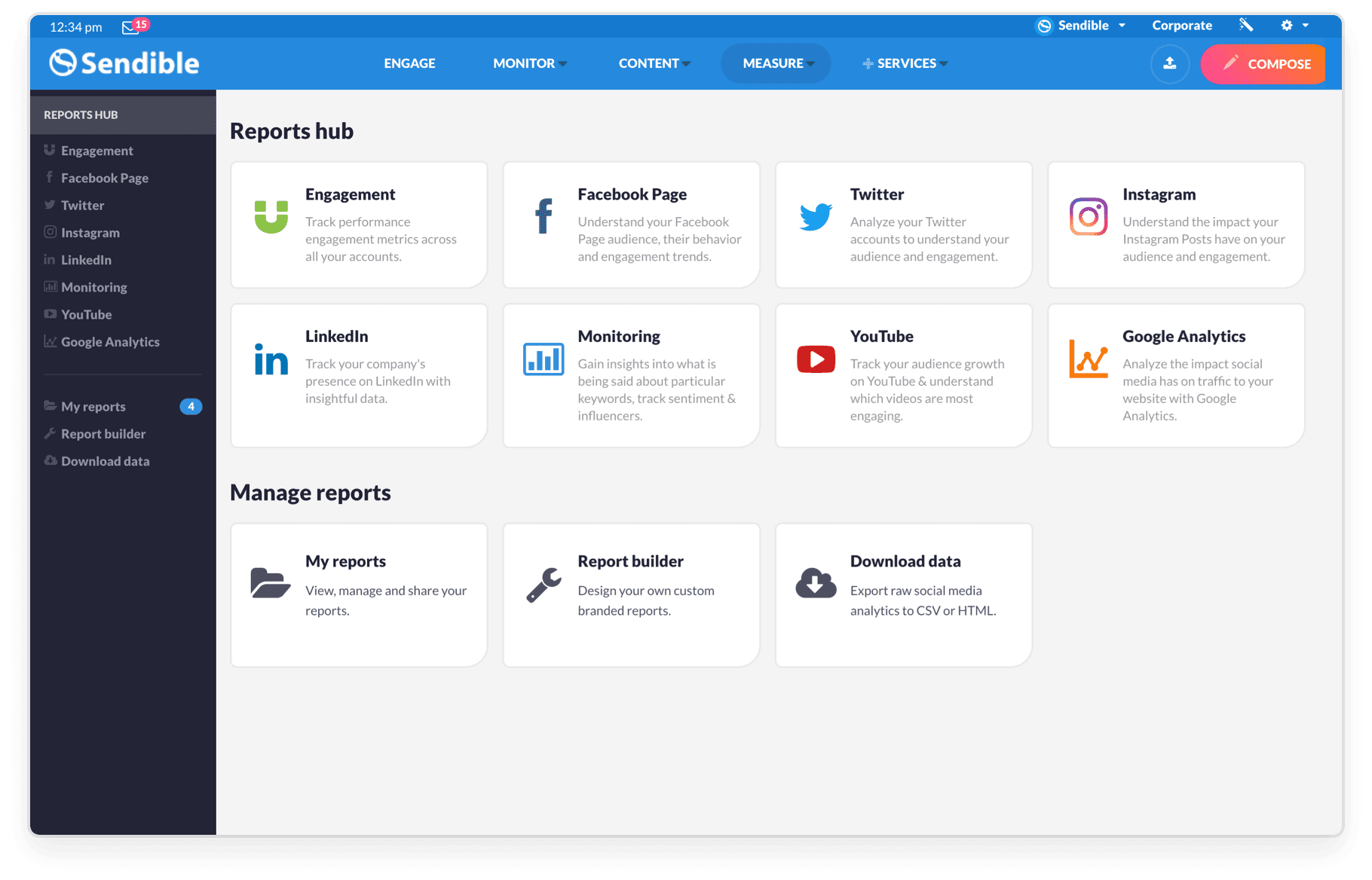
Like the previous tool, Sendible also has built-in Canva support. It’s absolutely ideal for agencies — you can create teams, assign tasks to each other, and of course track results. Beyond standard features like hashtag suggestions and advanced analytics, Sendible offers several functions you won’t find in other social media management tools, such as the ability to create custom reports and send bulk messages to followers.
9) Semrush
- Best for: Freelancers and small businesses
- Price: Free trial, from $199 per month (includes SEO tools)
- Mobile app: YES
- Supported networks: Facebook (groups & pages), Twitter, Instagram, LinkedIn (pages & profiles), Pinterest, Google My Business.
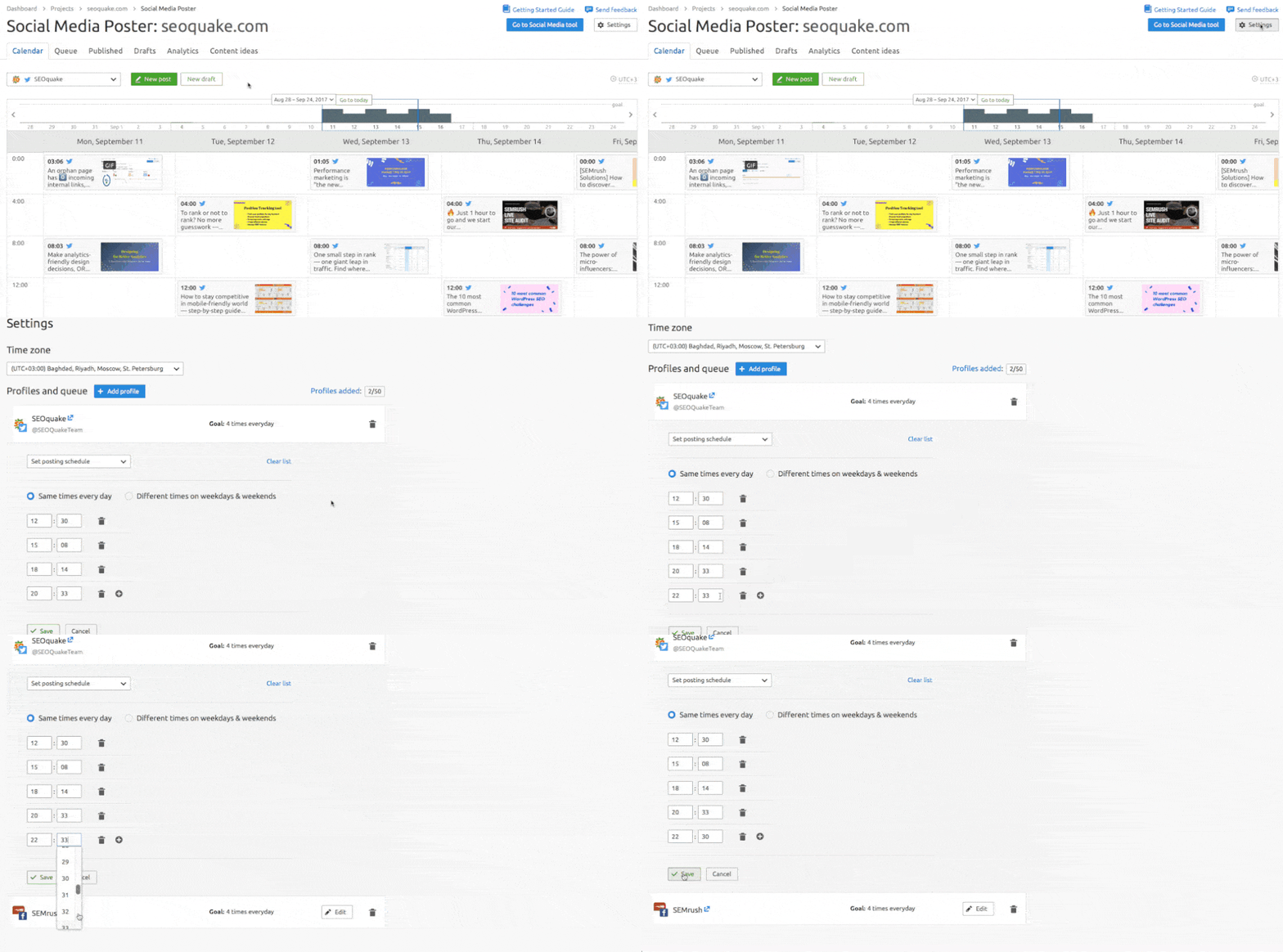
Semrush is better known as a leading SEO tool, but it also includes a social media scheduling and analytics feature as part of its paid plans. This makes it an ideal choice if you’re looking for both an SEO tool and a social media scheduler in one package. Semrush offers similar features to most of the tools mentioned above, has fairly clear analytics, and lets you connect an RSS feed and create shortened UTM links.
10) TweetDeck
- Best for: Twitter accounts
- Price: FREE
- Mobile app: No
- Supported networks: Twitter
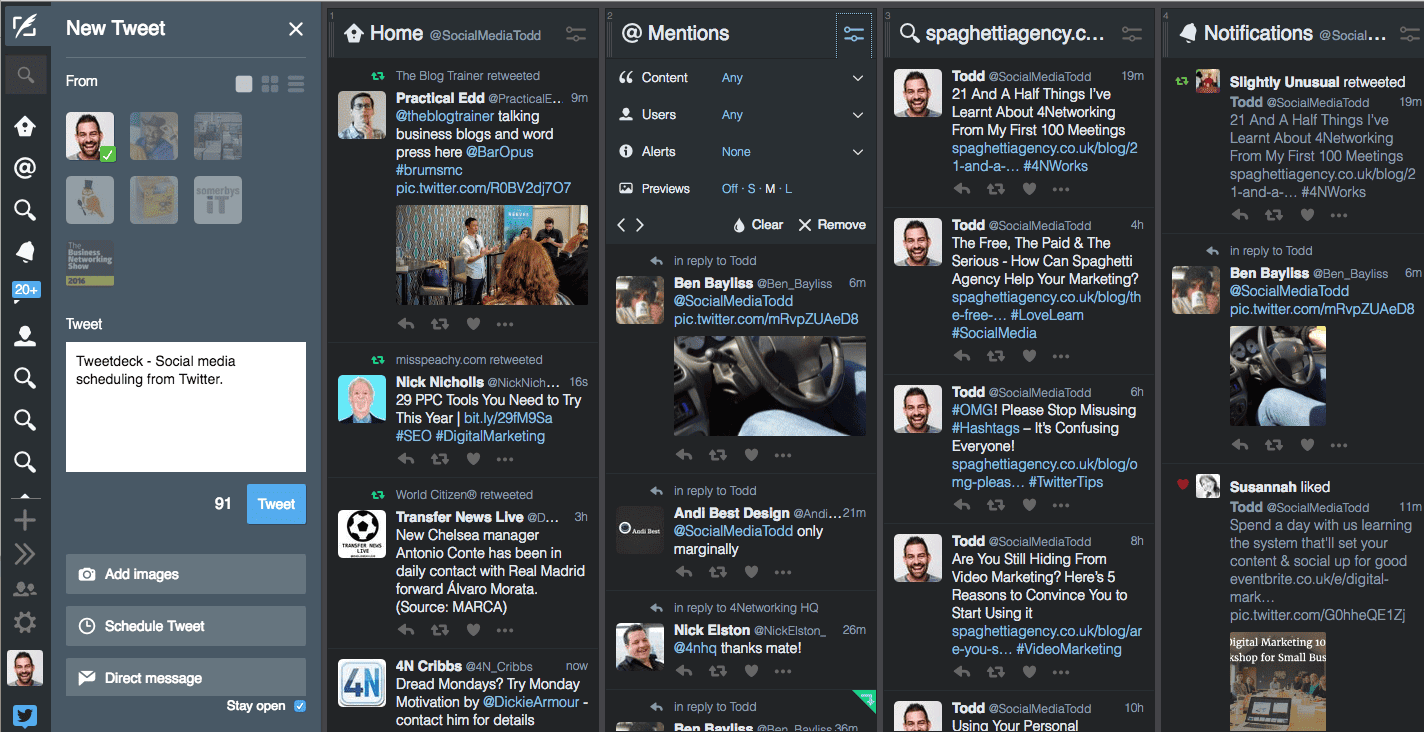
TweetDeck is the perfect solution for anyone who needs a tool specifically for scheduling tweets. It’s completely free, and you can connect as many accounts as you like.
11) ContentCal – Adobe Express
- Best for: Freelancers, small businesses
- Price: $9.90
- Mobile app: Yes
- Supported networks: Facebook, Twitter, Instagram
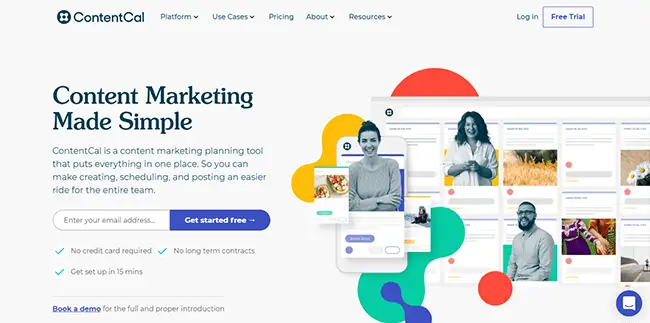
ContentCal was acquired by Adobe and folded into their Adobe Express application. It’s ideal for anyone looking for a straightforward scheduling tool for Instagram, Facebook, and Twitter at an affordable price.
12) Planoly
- Best for: Freelancers, small businesses, and influencers (ideal for Instagram)
- Price: $9.90
- Mobile app: Yes
- Supported networks: TikTok, Pinterest, Instagram
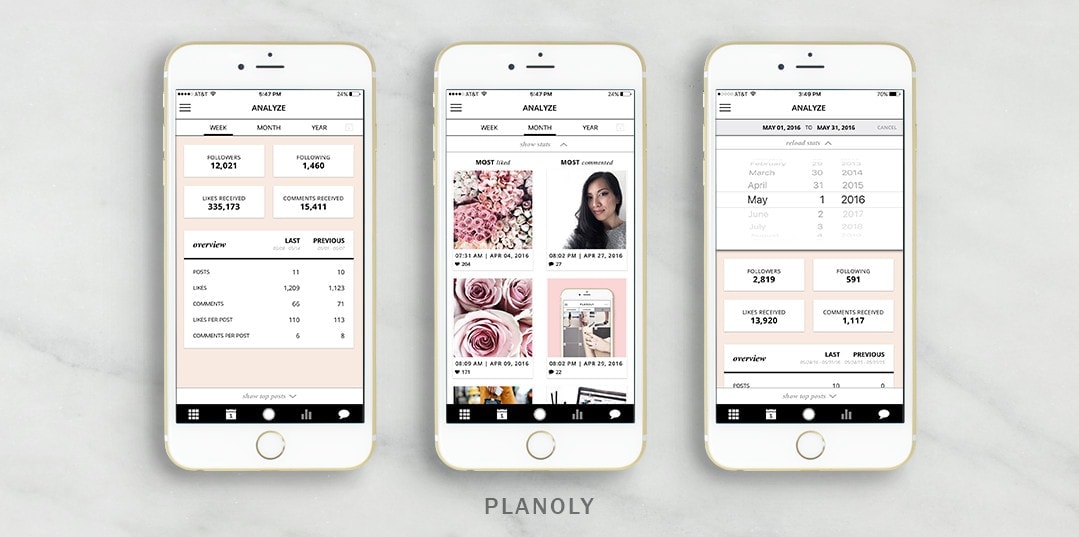
Planoly belongs in the same category as Later and Buffer — it’s a tool that has been and continues to be extremely popular among influencers and Instagram and Pinterest users (Planoly is an official Pinterest partner). It has built-in basic analytics, it’s easy to use, and it’s a solid choice if you’re just getting started with social media content creation or simply need a no-fuss tool.
How to Buy Social Media Management Tools on the Cheap
When we first started managing social media, we were looking for a tool we could buy once and never have to pay a monthly subscription for. That’s when we discovered Amplifr on AppSumo, where you can grab apps and tools for just a few dozen dollars from up-and-coming startups.
If you don’t mind using a tool from a company that’s just starting out, it’s worth checking AppSumo for social media scheduling tools. Even as I’m writing this article, there’s a social media scheduling tool available on AppSumo for just $59 with lifetime access.
Key Takeaways
- There’s no single perfect social media management tool. It’s worth trying 2–3 before you commit to one.
- Most tools offer a free trial for about 2 weeks.
- Hootsuite and Loomly are best suited for larger businesses or agencies, while Later and Buffer are great for beginners, small businesses, or freelancers.
- For influencers and Instagram scheduling, Later or Planoly are your best bets.
- TweetDeck is a free tool dedicated to scheduling tweets.
- Semrush is primarily an SEO tool that also lets you schedule social media posts.
- If you only need to schedule Instagram posts, give Later a try.
- You can find great deals on tools at AppSumo, but keep in mind they’re typically from startups.
Tips and Tricks for Your Vacation
Don’t Overpay for Flights
Search for flights on Kayak. It’s our favorite search engine because it scans the websites of all airlines and always finds the cheapest connection.
Book Your Accommodation Smartly
The best experiences we’ve had when looking for accommodation (from Alaska to Morocco) are with Booking.com, where hotels, apartments, and entire houses are usually the cheapest and most widely available.
Don’t Forget Travel Insurance
Good travel insurance will protect you against illness, accidents, theft, or flight cancellations. We’ve had a few hospital visits abroad, so we know how important it is to have proper insurance arranged.
Where we insure ourselves: SafetyWing (simple monthly subscription) and TrueTraveller (for extra-long trips).
Find the Best Experiences
Get Your Guide is a huge online marketplace where you can book guided walks, trips, skip-the-line tickets, tours, and much more. We always find some extra fun there!


